Cron Expression Examples: 40+ Ready-to-Use Schedules
Copy-paste cron expressions for common schedules: every 5 minutes, hourly, daily, weekly, monthly, business hours, weekdays, and more with explanations.
- cron
- crontab
- cron expressions
- scheduling
- linux
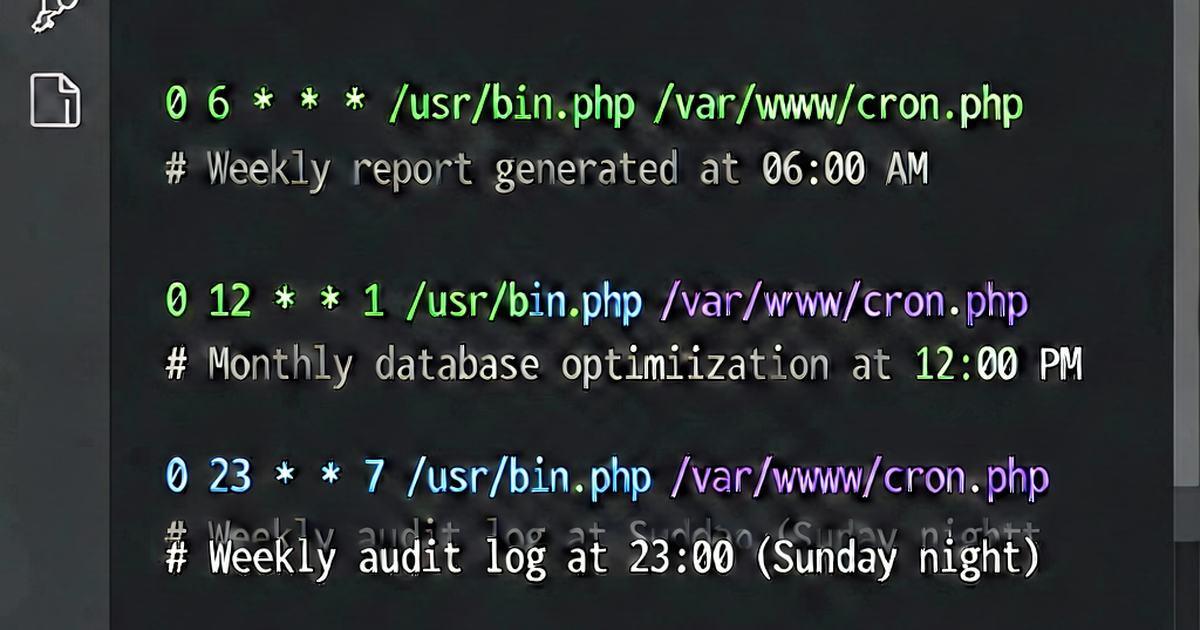

A reference of commonly needed cron schedules, organized by interval. Each entry shows the expression, what it does, and an example use case.
Every N minutes
# Every minute
* * * * * /script.sh

# Every 2 minutes
*/2 * * * * /script.sh

# Every 5 minutes
*/5 * * * * /script.sh

# Every 10 minutes
*/10 * * * * /script.sh

# Every 15 minutes
*/15 * * * * /script.sh

# Every 20 minutes
*/20 * * * * /script.sh

# Every 30 minutes
*/30 * * * * /script.sh

# At :00 and :30 (same as above but explicit)
0,30 * * * * /script.sh
Use cases: Health checks, queue polling, cache warming, metric collection.
Hourly
# Every hour at :00
0 * * * * /script.sh

# Every hour at :15
15 * * * * /script.sh

# Every 2 hours at :00
0 */2 * * * /script.sh

# Every 3 hours
0 */3 * * * /script.sh

# Every 4 hours
0 */4 * * * /script.sh

# Every 6 hours
0 */6 * * * /script.sh

# Every 12 hours (noon and midnight)
0 0,12 * * * /script.sh
Use cases: Batch imports, API sync, report generation, data aggregation.
Daily
# Every day at midnight
0 0 * * * /script.sh

# Every day at 1am
0 1 * * * /script.sh

# Every day at 3:30am
30 3 * * * /script.sh

# Every day at noon
0 12 * * * /script.sh

# Every day at 6pm
0 18 * * * /script.sh

# Twice daily: 8am and 8pm
0 8,20 * * * /script.sh

# Three times daily: midnight, 8am, 4pm
0 0,8,16 * * * /script.sh
Use cases: Database backups, daily digests, log rotation, certificate renewal checks.
Weekdays and weekends
# Weekdays (Mon-Fri) at 9am
0 9 * * 1-5 /script.sh

# Weekdays at 6pm
0 18 * * 1-5 /script.sh

# Weekends (Sat-Sun) at midnight
0 0 * * 6,0 /script.sh

# Weekends at noon
0 12 * * 6,7 /script.sh

# Monday only at 8am
0 8 * * 1 /script.sh

# Friday only at 5pm
0 17 * * 5 /script.sh

# Every 15 minutes during business hours (9am-5pm), weekdays only
*/15 9-17 * * 1-5 /script.sh
Use cases: Report delivery, team notifications, business-hours processing.
Specific days
# Every Monday at 6am
0 6 * * 1 /script.sh

# Every Sunday at 3am
0 3 * * 0 /script.sh

# Every Monday and Thursday at 9am
0 9 * * 1,4 /script.sh

# Every weekday except Wednesday
0 9 * * 1,2,4,5 /script.sh
Weekly
# Every Sunday at midnight (same as @weekly)
0 0 * * 0 /script.sh

# Every Monday at 4am
0 4 * * 1 /script.sh

# Every Friday at 11pm
0 23 * * 5 /script.sh
Use cases: Weekly reports, database maintenance, weekly newsletter sends.
Monthly
# First day of every month at midnight
0 0 1 * * /script.sh

# Last day of every month (approximate — works for most months)
0 0 28,29,30,31 * * [ $(date +\%d -d tomorrow) -eq 1 ] && /script.sh

# 15th of every month at midnight
0 0 15 * * /script.sh

# First and 15th of every month at midnight
0 0 1,15 * * /script.sh

# First Monday of each month (manual approach)
0 9 1-7 * 1 /script.sh
Use cases: Monthly invoicing, archive cleanup, monthly reports.
Specific months
# Once a year on January 1st
0 0 1 1 * /script.sh

# Every quarter (Jan, Apr, Jul, Oct) on the 1st
0 0 1 1,4,7,10 * /script.sh

# Every month except July and August
0 0 1 1-6,9-12 * /script.sh
Special strings
# On system boot/reboot
@reboot /script.sh

# Once a year (Jan 1, midnight)
@yearly /script.sh
# Equivalent: 0 0 1 1 *

# Once a month (1st, midnight)
@monthly /script.sh
# Equivalent: 0 0 1 * *

# Once a week (Sunday midnight)
@weekly /script.sh
# Equivalent: 0 0 * * 0

# Once a day (midnight)
@daily /script.sh
# Equivalent: 0 0 * * *

# Once an hour
@hourly /script.sh
# Equivalent: 0 * * * *
Real-world examples
# Daily PostgreSQL backup at 2am
0 2 * * * /usr/bin/pg_dump -U postgres mydb | gzip > /backups/mydb-$(date +\%F).sql.gz

# Weekly log cleanup every Sunday at 4am
0 4 * * 0 find /var/log/app -name "*.log" -mtime +30 -delete

# SSL certificate renewal check twice daily
0 0,12 * * * /usr/bin/certbot renew --quiet

# Health check every 5 minutes
*/5 * * * * curl -fsS https://example.com/health > /dev/null 2>&1

# Sync S3 bucket every 15 minutes during business hours
*/15 9-17 * * 1-5 /usr/bin/aws s3 sync /data s3://my-bucket/data

# Clear sessions table daily at 3am
0 3 * * * /usr/bin/mysql -u app -p"$DB_PASS" mydb -e "DELETE FROM sessions WHERE expires_at < NOW();"

# Monthly disk usage report
0 9 1 * * df -h | mail -s "Monthly disk report $(date +\%B)" admin@example.com
Build and validate expressions at crontab.io.

Related reading
-
Crontab Syntax: A Complete Reference for Cron Expressions
Master crontab syntax with this complete reference. Learn the 5-field cron format, special characters, @reboot/@daily shortcuts, and common schedule patterns.
-
How to Schedule a Cron Job on Linux: Step-by-Step
Learn how to schedule cron jobs on Linux using crontab -e. Covers editing the crontab, setting PATH, running scripts, logging output, and verifying jobs run.
-
Crontab Every 5 Minutes (and Other Intervals Explained)
Learn crontab syntax for running jobs every 5 minutes, every 10, 15, 30, and 60 minutes. Understand step values and interval scheduling with examples.